Manage school-parent communication on a single platform
From meeting appointments to bulk SMS, from mobile notifications to surveys — all communication channels from school to parent and from parent to school are under one roof.
From meeting appointments to bulk SMS, from mobile notifications to surveys — all communication channels from school to parent and from parent to school are under one roof.
From appointments to notifications, from announcements to surveys — every aspect of school-parent communication, 6 integrated submodules.
On suitable days determined by the administration, parents see the teachers' free hours and request an appointment. Teachers confirm or suggest alternative time. Reminders are sent automatically.
Send bulk/individual SMS and emails to the entire school, levels, classes or individual parents. Use ready-made templates for notification of exam results, absences and homework.
Send free push notifications to parents via the Kindergarten Mobile application. Receive announcements, exam results and warnings instantly on parents' phones.
Publish school news, parent meeting announcements, itineraries, event calendars and weekly meal lists. Follow reading statistics.
Secure messaging between teacher-parent, administration-parent and administration-teacher without sharing personal phone numbers. File sending is supported, all messages are recorded.
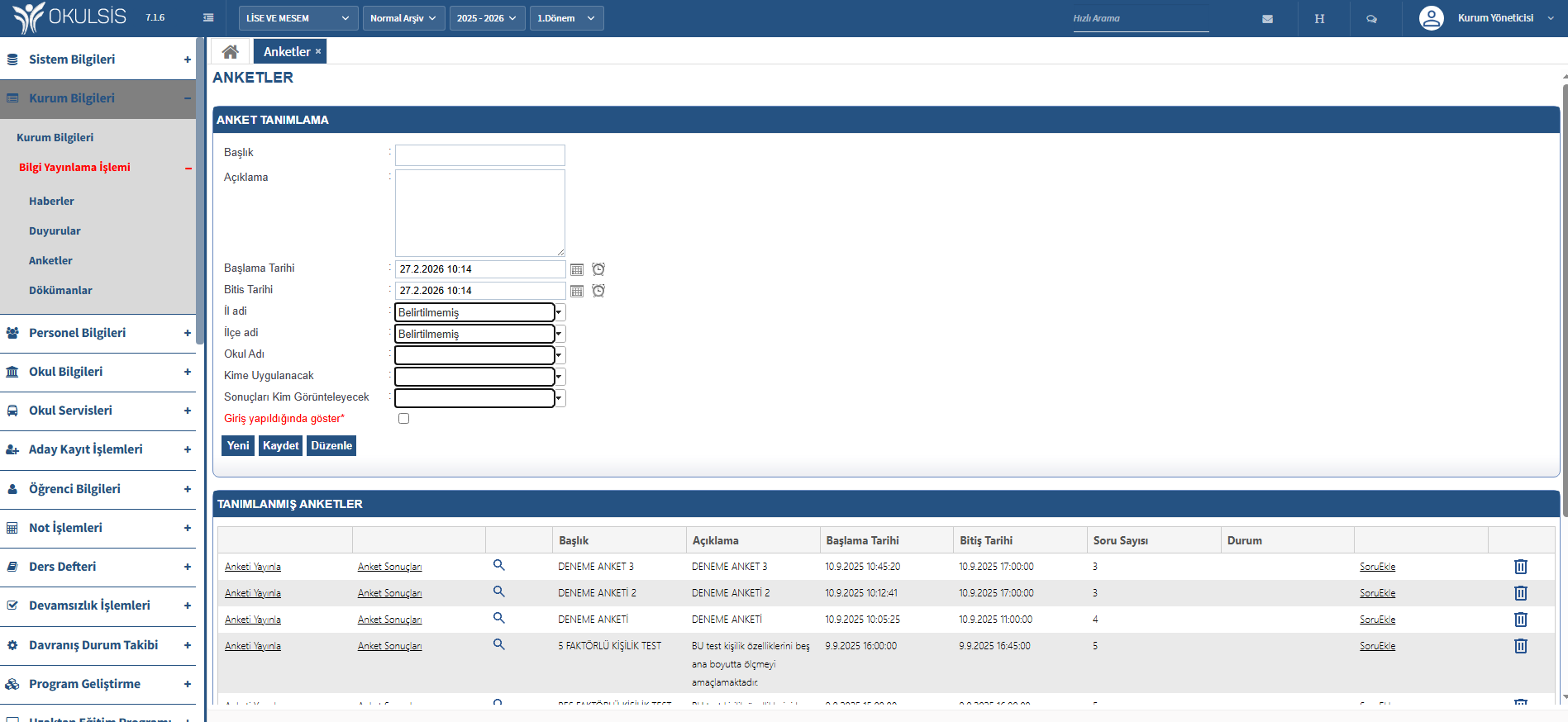
Create parent satisfaction surveys, activity evaluation forms, and teacher/student surveys. Analyze the results with graphs. Move communication from one-way to two-way.

Establish Two-Way Communication with 6 Channels
Parents see teachers' free hours and request an appointment. Teachers confirm the appointment or suggest an alternative time. Reminders are sent automatically. After the meeting, notes are saved in the system.
From appointments to notifications — professional school-parent communication.
Parents request an appointment online, teachers approve it. Reminders are sent automatically.
Exam results, absences and announcements are shared instantly via SMS, e-mail and mobile notification.
Get feedback from parents to the school with surveys and feedback forms. Monitor satisfaction trends.
Questions about the Communication and Information module.