Digitalize your teaching process end-to-end
From assignment assignment to course content sharing, from live lessons to study planning, from course book to library management — the entire teaching cycle is on one platform.
From assignment assignment to course content sharing, from live lessons to study planning, from course book to library management — the entire teaching cycle is on one platform.
From lectures to homework tracking, from content sharing to study management — 6 integrated modules.
Assign homework, projects, and term papers. Add files, videos and images. Have students submit it through the system. Delivery tracking, late delivery warnings and teacher evaluation from a single screen.
Add Zoom, Microsoft Teams or Skype links to the course schedule. Let students join the live lesson with one click. Participation should be recorded automatically, and those who do not participate should be recorded as absent.
Upload e-books, PDFs, presentations, videos and audio files per course. Archive smart board recordings. Students can repeat courses whenever they want.
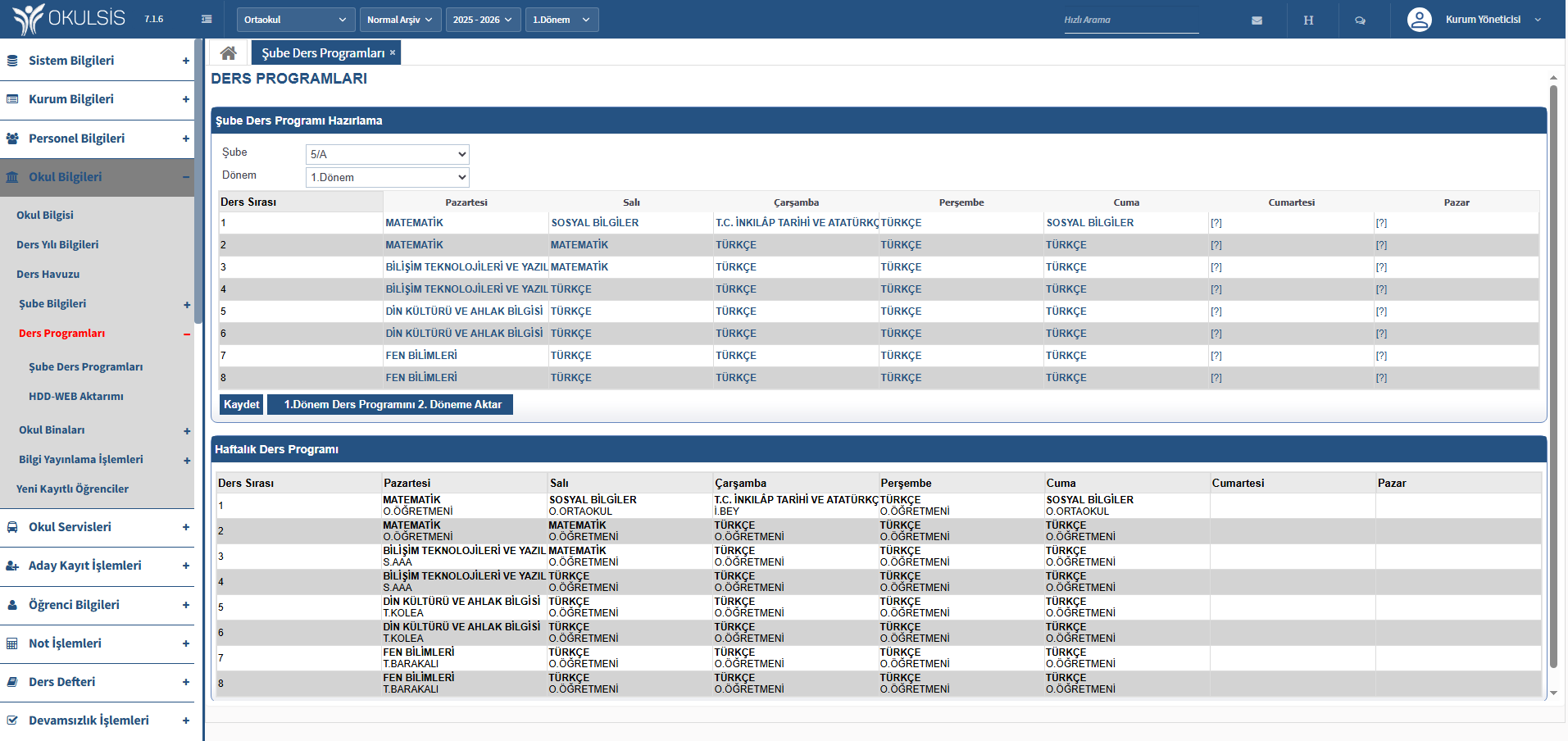
Teachers should record the topics they cover, the materials they use, and their lecture notes in the digital course notebook. Let management track curriculum progress from a single screen.
Create automatic study lists based on exam results. Make teacher and venue planning. Students should apply from the mobile application. Keep track of study attendance.
Save publications such as books, magazines and encyclopedias. Keep track of book lending and returns. Students can search and book broadcasts online.

Unify Your Teaching Process on a Single Platform
Teachers can assign homework, projects, and term papers, and attach files and media. Students submit it through the system. Delivery tracking, late delivery warnings and teacher evaluation are done from a single screen. Parents can follow the homework status from the mobile application.
From teaching to practice, from support to resources — learning management in 3 steps.
Conduct live lessons, share lesson contents, archive smart board recordings and fill out the digital lesson notebook.
Assign homework, track delivery status, evaluate. Create study lists and track attendance.
Evaluate study results, provide library resources, report student progress.
Frequently asked questions about the Education and Training module.